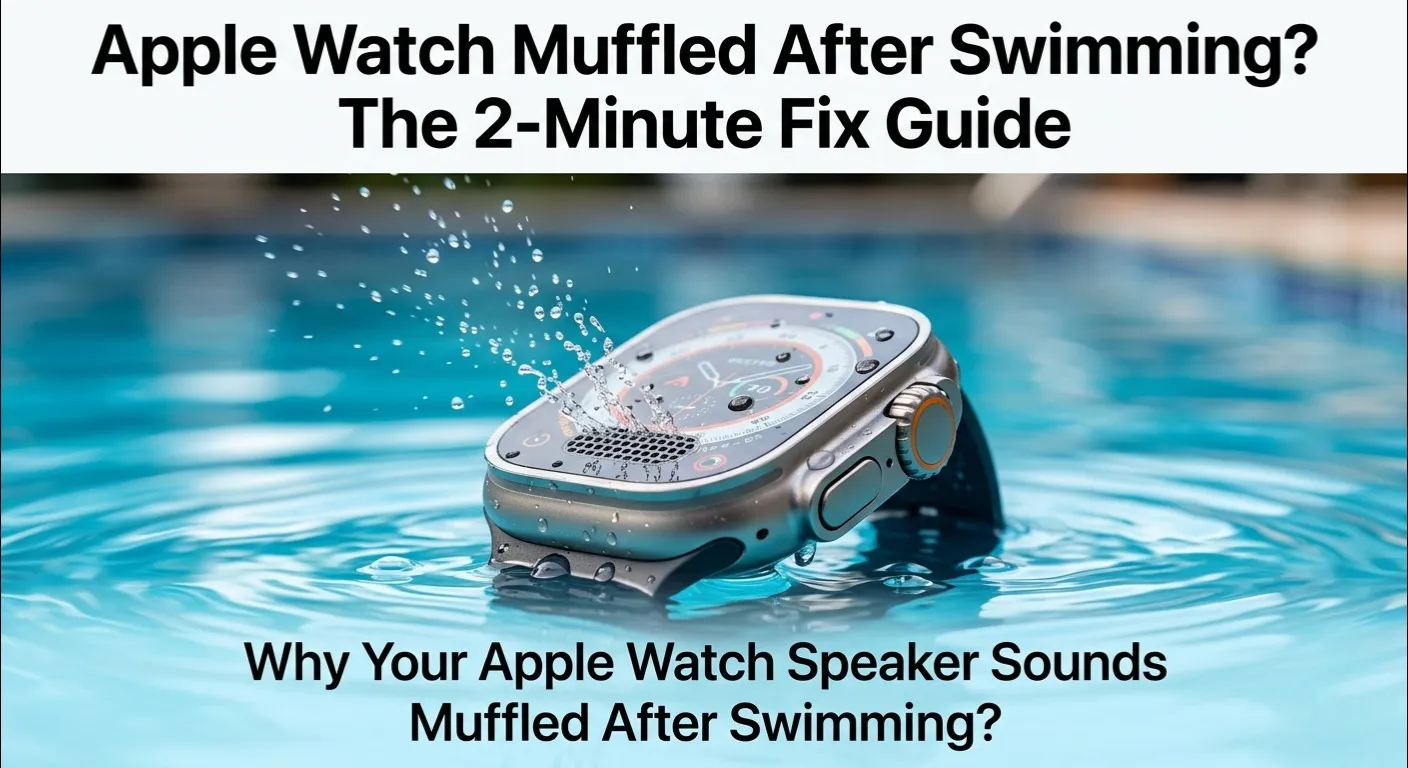
Here is quick answer to know about Why Your Apple Watch Speaker Sounds Muffled After Swimming?
Quick Answer: If your Apple Watch speaker sounds muffled after swimming, water is trapped inside the speaker grill. Open the Control Center, tap the Water Lock icon, then rotate the Digital Crown to eject water. Repeat this cycle 3 to 4 times. For best results, rinse with lukewarm fresh water afterward to remove salt or chlorine residue that can damage the speaker membrane over time.
You just crushed a swim session, rinse off, and tap your Apple Watch to check your heart rate , only to hear Siri sounding like she is speaking from the bottom of a pool. Sound familiar? Take a breath. Your Apple Watch speaker sounds muffled after swimming almost every time for a completely fixable reason: trapped water. It is not broken. It just needs a little help getting dry.
Standard tutorials stop at the basic water ejection cycle. This diagnostic guide goes deeper, focusing on Why Your Apple Watch Speaker Sounds Muffled After Swimming? We will cover the science behind why water sticks inside the speaker, the hidden damage that chlorine and salt cause when left to dry, and the advanced techniques that most guides completely miss.
The Science of Sound in Water

When you swim, water rushes into every tiny gap it can find , including the speaker grill of your Apple Watch. The problem is not getting wet. The problem is what happens after.
Water molecules cling together through a force called surface tension. Inside the narrow speaker grill, this tension creates a thin “film” of water that sits right over the speaker membrane. That film acts like a tiny muffler, absorbing and distorting sound waves before they ever reach your ear.
But not all water is the same, and this is the gap most other guides completely miss:
| Water Type | Key Threat | Risk Level |
| Fresh Water | Temporary blockage only | Low : evaporates cleanly |
| Pool (Chlorine) | Dry crystals damage the membrane | High :must rinse off |
| Ocean (Salt) | Salt crust clogs the grill permanently | Very High : rinse immediately |
Chlorine and salt water are the real enemies. When they dry inside the speaker grill, they do not just evaporate , they leave behind crystals that scratch and corrode the delicate speaker membrane. Over time, your Apple Watch speaker sounds muffled permanently, not because of water, but because of dried mineral buildup.
Is Your Apple Watch Battery Also Struggling After Water Exposure? Heat and moisture can stress your battery over time. Use our free Apple Watch Battery Diagnostic Tool to quickly check if your battery health has been affected and get personalized tips to extend its life.
Eplore more about Why apple watch faces unexpected shutdown.
Decoding the Apple Watch Series 10 Audio Degradation (Hardware vs. Water)

If you own an Apple Watch Series 10 and noticed the speaker seems noticeably quieter after a swim compared to older models, you are not imagining it and wonder Why Your Apple Watch Speaker Sounds Muffled After Swimming?
Apple made the Series 10 the thinnest Apple Watch ever. That sleeker design comes with a trade off: a more compact speaker chamber with less room for airflow. This means the apple watch muffled speaker issue after swimming tends to linger a little longer on Series 10 than on older, thicker models.
There is also a software angle. Some Series 10 users reported persistent low volume after swimming that Water Lock did not fully fix. In many cases, a simple restart after ejecting water resolved the issue , suggesting a minor software glitch, not hardware damage. If your speaker sounds fine in one ear but weak overall, try a restart before panicking.
How to Eject Water Like a Pro

The Standard Method (Start Here)
- Swipe up to open Control Center on your Apple Watch.
- Tap the Water Drop icon to turn on Water Lock.
- Rotate the Digital Crown until you feel vibrations and hear the water eject tone.
- Wait 10 seconds and check the speaker.
Most guides stop there for solution of Why Your Apple Watch Speaker Sounds Muffled After Swimming?. Here is what they miss:
The “Double Eject” Technique (The Real Fix for Deep Moisture)

A single Water Lock cycle pushes out surface water, but water trapped deeper in the speaker chamber requires more. Run the ejection cycle 3 to 4 times back to back. Each rotation of the Digital Crown creates a slightly different vibration frequency, which dislodges water from different angles inside the grill. This is especially important if your Apple Watch speaker sounds muffled after swimming in the ocean or a pool.
High Frequency Sonic Apps vs. Built in Tones

Third party apps like “Sonic” or “Speaker Cleaner” play specific high frequency tones (165Hz to 200Hz) that can vibrate stubborn water loose. Apple’s built in eject tone is effective, but these apps give you manual control over the frequency , useful for persistent cases. They are free and safe to use.
The Post Swim Rinse: The Step Most People Skip

Here is Apple’s official advice that almost nobody follows: after swimming in a pool or ocean, always rinse your Apple Watch under lukewarm fresh water for 10 to 15 seconds. Not hot water. Not soap. Just clean, lukewarm running water.
Why does this matter? Because if you skip this step, the chlorine or salt left behind begins to dry inside the speaker grill. Within hours, those chemicals crystallize and start corroding the tiny mesh and the membrane beneath it. This is the number one cause of permanent apple watch muffled speaker issues that cannot be fixed at home.
Once the fresh water rinse is complete, absorb surface moisture by blotting the casing with a microfiber or lint free towel,avoiding any harsh rubbing motions.
Do not rub. Then hold the watch speaker side down and let gravity help drain any remaining droplets before running the Water Lock eject cycle again.
Advanced Troubleshooting: When Water Lock Fails

If you have run the eject cycle multiple times and you want to know Why Your Apple Watch Speaker Sounds Muffled After Swimming?, here are more advanced approaches:
The Gravity & Suction Method

If your you dont know that Why Your Apple Watch Speaker Sounds Muffled After Swimming?,then follow this :
Hold the watch with the speaker grill facing downward. Gently tap the back of the watch (not the screen) with your finger. Gravity pulls water toward the exit, and the light vibration helps break the surface tension holding it in place. Never use a vacuum cleaner near the speaker , the sudden suction can damage the membrane.
Natural Evaporation vs. Forced Air

Place your watch speaker side down on a dry microfiber cloth in a room temperature environment. Give it 2 to 4 hours. Natural airflow is surprisingly effective for residual moisture. If you want to speed this up, a small fan blowing gentle room temperature air works well. Never use a hair dryer , even on cool settings, the concentrated airflow can push water deeper and damage the adhesive seals.
Still not fixed? Sometimes the issue is condensation that formed inside the watch casing, not just in the speaker. If the screen looks foggy or the mic is also affected, visit an Apple Store or authorized service center. Water damage deep inside the case is not a DIY fix.
What NOT to Do (The Damage Zone)

Let’s be very clear about what will make things worse and does’nt gave solution for Why Your Apple Watch Speaker Sounds Muffled After Swimming?
- No toothpicks or pins: Pushing anything into the speaker grill scratches the mesh and punctures the membrane. Even a soft toothpick can cause permanent damage.
- No compressed air cans: The pressure is too high and too focused. It can blow water deeper into the device and rupture the speaker membrane.
- No hair dryers: Heat softens the waterproof adhesive seals around the speaker and display. Once those seals weaken, future water exposure will cause much more serious damage.
- No soap or cleaning sprays: Soap residue is just as bad as salt crystals. It coats the membrane and creates the same muffled effect.
- No lotions or sunscreen near the watch: These are the hidden killers of the Apple Watch’s hydrophobic coating , the invisible layer that repels water. Once that coating degrades, your Apple Watch speaker sounds muffled after swimming far more often.
Future Proofing: Maintaining Your Watch’s Longevity

A little regular maintenance goes a long way in preventing the muffled speaker issue from becoming a permanent problem.This is the best solution for Why Your Apple Watch Speaker Sounds Muffled After Swimming?
The Soft Brush Method (Weekly Maintenance)

Once a week, use a clean, dry soft bristle toothbrush to gently brush across the speaker grill in a single direction. This removes dust, skin oils, and early stage mineral deposits before they harden. Do this before swimming, not after.
This is expert solution for Why Your Apple Watch Speaker Sounds Muffled After Swimming?
Check Your Seals (Every 12 Months)

Apple’s water resistance rating (WR50 or IP6X depending on the model) degrades over time. The adhesive gaskets that seal the speaker and display weaken from heat, sweat, and repeated water exposure. If your watch is over two years old and you swim with it regularly, have the seals checked at an Apple Store. The service is affordable and prevents expensive repairs later.
Battery Health & Heat

Heat accelerates battery degradation and also weakens the waterproof seals. Avoid leaving your Apple Watch in direct sunlight or a hot car. For a full battery health check, especially if you have noticed any post swim performance issues, use our Apple Watch Battery Diagnostic Tool here , it only takes a minute and gives you a clear picture of your watch’s condition.
Conclusion & Summary Checklist
The good news: your Apple Watch speaker sounds muffled after swimming for a very fixable reason almost every single time. Water is stubborn, but it is not permanent. Follow this quick checklist after every swim:
- Run the Water Lock eject cycle 3 to 4 times immediately after swimming.
- Rinse with lukewarm fresh water for 10 to 15 seconds (especially after pools or ocean).
- Pat dry with a lint free cloth and let it air dry speaker-side down for 10 minutes.
- If still muffled, try a sonic app or restart the watch.
- Never use heat, compressed air, or sharp objects on the speaker grill.
- Clean the speaker grill gently with a soft brush once a week.
- Get your water resistance seals checked annually if you swim regularly.
Follow these steps consistently and your Apple Watch will deliver clear, crisp audio long after your swim sessions end.
FAQs
Q: How long does it take for apple watch muffled speaker to fix itself?
A: In most cases, 15 to 30 minutes of natural drying after running the eject cycle is enough. If your watch was in salt or chlorine water, it may take longer because mineral residue slows evaporation. Always rinse with fresh water first.
Q: Is my Apple Watch permanently damaged if the speaker stays muffled?
A: Not necessarily. Persistent muffling after all the steps above can indicate mineral buildup on the membrane. Try a cotton swab (very gently) across the grill surface to absorb any visible residue. If it still does not improve, Apple’s service team can clean or replace the speaker at a reasonable cost.
Q: Why does my microphone also sound bad after swimming?
A: The microphone port is a separate opening, but it faces the same water retention issue. Run the same Water Lock eject cycle and rinse steps. If the mic continues to fail while the speaker is fine, there may be condensation inside the case , visit an Apple Store.
Q: Can I use my Apple Watch speaker immediately after ejecting water?
A: Yes, but give it 5 to 10 minutes after the eject cycle for best sound quality. Some residual moisture inside the chamber takes a few minutes to fully clear.
Q: Does Water Lock work on all Apple Watch models?
A: Water Lock is available on Apple Watch Series 2 and later. Series 1 and the original Apple Watch are not swim proof and should not be submerged.