Apple Watch Siri activates by itself: why it happens and how to stop it
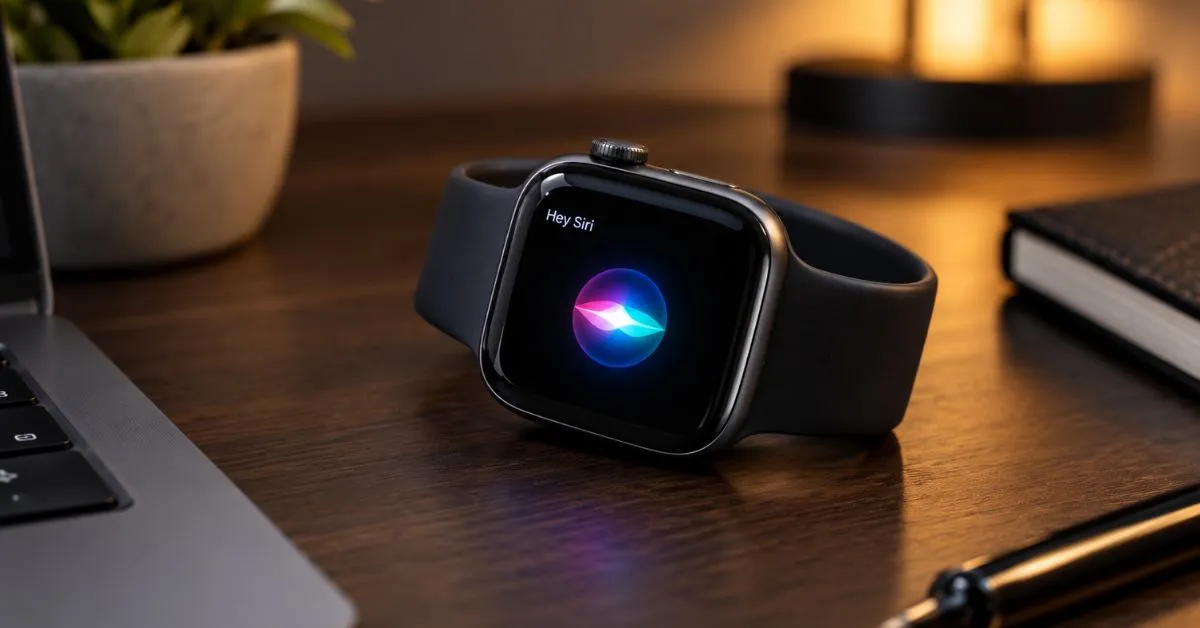
Quick answer: When Apple Watch Siri activates by itself, a setting is usually the cause. Raise to Speak, the voice trigger, and a long press on the Digital Crown are the main suspects. Open Settings, tap Siri, and turn off the one you do not need. If Siri still pops up, restart the watch, update … Read more