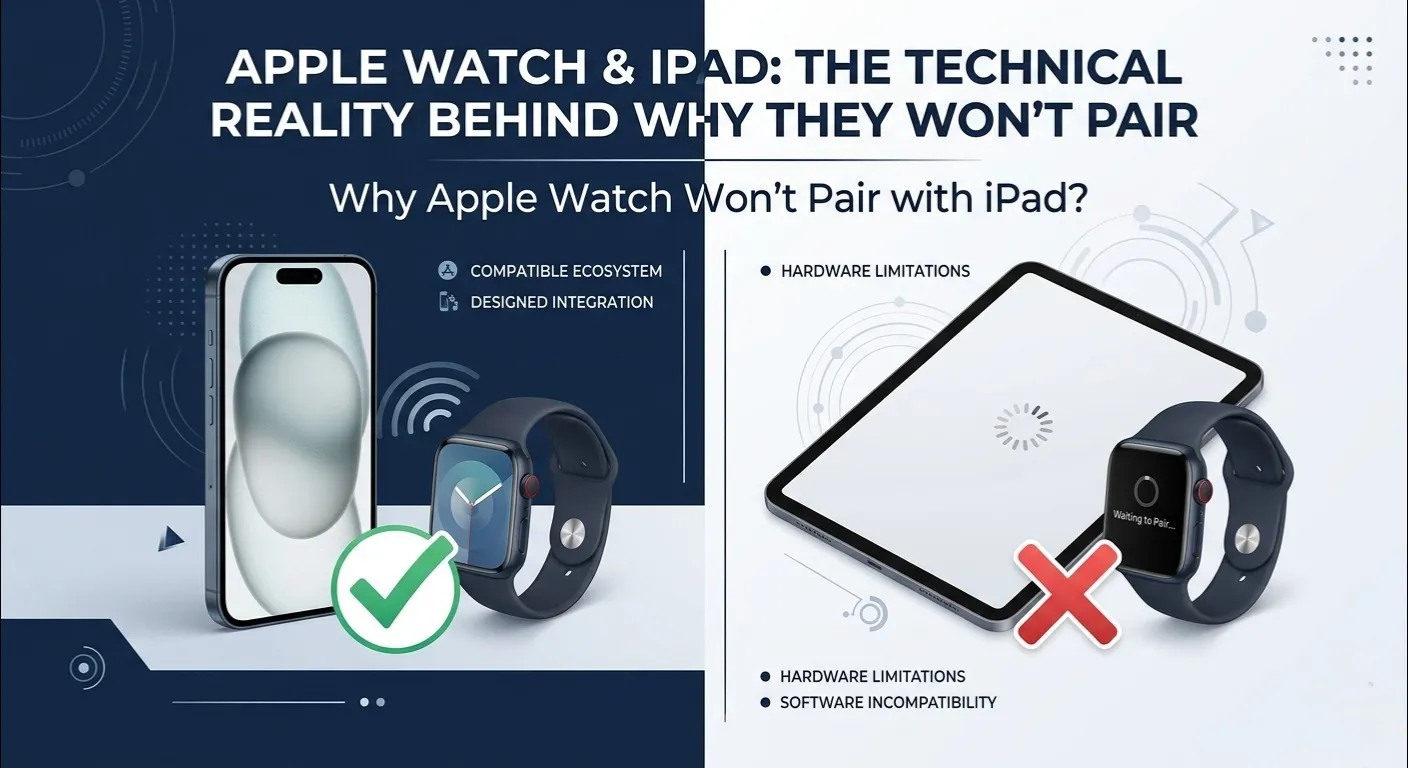
Here is quick answer about “Why Apple Watch Won’t Pair with iPad”?
| Quick Answer No. Apple Watch cannot pair directly with an iPad. Apple Watch requires an iPhone for initial setup, activation, and ongoing sync. iPadOS does not include the Watch App or the background system processes needed to manage a watch. The only indirect connection is through iCloud, which syncs health data between your iPhone and iPad. |
You own a brand new iPad. You have an Apple Watch on your wrist. You want to connect them , but Apple simply won’t let you. If you have question ,Why Apple Watch won’t pair with iPad?, you are not alone. Thousands of users hit this exact wall every day, and the frustration is very real.
The rise of “iPhone-free” productivity has made this question even more common. People use iPads as their main device for work, school, and health tracking. But Apple Watch was never built for that world.
This guide explains exactly why Apple Watch won’t pair with iPad, what you can still do, and how to get the most out of both devices together.
Apple Watch Battery Diagnostic Tool: Worried your Apple Watch battery is draining too fast? Before you troubleshoot pairing, check if the battery is the real issue. Click the button below to run a quick diagnostic and find out if your battery health needs attention.
The iPadOS Health App Paradox: Why Native Sync Fails

Apple added the Health App to iPadOS, which created a massive wave of user confusion. People naturally assumed their Apple Watch could now talk directly to their iPad. It cannot.
Here is the real data pipeline your health information travels through:
- Step 1: Apple Watch sensors collect heart rate, steps, and sleep data
- Step 2: Data transfers to the iPhone’s iOS Health App database via Bluetooth
- Step 3: iPhone encrypts the data and pushes it through iCloud’s secure sync gate
- Step 4: iPadOS Health App receives and displays the synced data
The reason Why Apple Watch won’t pair with iPad? directly is that the watch cannot push raw Bluetooth telemetry data packets straight to an iPad. Apple built this indirect iCloud route for two important reasons:
- Battery preservation : the watch offloads heavy processing to the iPhone’s chip
- Security : the iPhone’s Secure Enclave handles cryptographic validation of all health records
So the Health App on your iPad is really just a mirror, not a live connection. All the real work happens on the iPhone first.
iOS vs. iPadOS: The Hidden Technical Architecture Behind Activation

The core reason Why Apple Watch won’t pair with iPad? is not a policy choice ,it is a deep hardware and software architecture gap that goes right down to the operating system level.
The Missing Watch App Daemons:

iPadOS does not include the background system processes (daemons) that iOS uses to manage watch setup. When you pair an Apple Watch with an iPhone, iOS transmits cryptographic Apple ID validation keys to the watch during initialization. iPadOS has no such subsystem. It was never built into the platform.
No Cellular eSIM Mirroring Support:

Even independent cellular Apple Watch models (GPS + Cellular) still require an iPhone during setup. Cellular profiles use carrier-specific IMS configurations tied to active phone numbers on iOS. iPads, even cellular models, use data only SIM configurations , a completely different system that cannot mirror a watch’s cellular profile.
Think of it this way: searching for “why Apple Watch won’t pair with iPad?” leads you here because Apple literally designed two separate communication systems , and only the iPhone speaks the watch’s language.
The Apple Fitness+ Exception: The Only Time Your Watch Talks to Your iPad

There is one scenario where your Apple Watch and iPad do communicate , Apple Fitness+. But this is still not true pairing. It does not solve the core problem of Why Apple Watch won’t pair with iPad? It is simply a temporary, one way metric stream.
During an Apple Fitness+ workout session, the watch sends your real time heart rate and workout rings to the iPad screen using a secure local Bluetooth proximity ping. The moment your workout ends, that connection drops completely.
Key difference: Fitness+ streaming is not pairing. Your watch is not registered to your iPad. No health data is stored on the iPad directly from the watch. It is more like a live scoreboard than a real sync.
How to Fix Apple Fitness+ iPad Syncing Glitches (The “Looking for Watch” Bug)

The infamous “Looking for Watch” screen freeze is one of the most common Fitness+ complaints. Here is a step by step checklist to fix it:
- Check WiFi Band: Both your iPad and Apple Watch (via iPhone) must be on the same WiFi network , ideally the same 2.4GHz or 5GHz band
- Toggle Bluetooth: Open Control Center on your iPad, turn Bluetooth OFF, wait 10 seconds, turn it back ON
- Verify Handoff Settings: Go to Settings > [Your Name] > AirDrop & Handoff , make sure Handoff is enabled on both devices
- Restart Both Devices: Power cycle your iPad and Apple Watch before starting a Fitness+ session
- Check Apple ID: Both devices must be signed into the exact same Apple ID for metric streaming to work
- Update Software: Outdated watchOS or iPadOS versions are the #1 cause of the “Looking for Watch” screen freeze
Family Setup Pitfalls: Can You Manage a Child’s Watch with an iPad?

Family Setup is a popular Apple feature that lets parents manage a child’s Apple Watch from their own device. But the same wall applies here.
Why Apple Watch won’t pair with iPad? even for Family Setup. This surprises many parents who use an iPad as their primary device.
Family Setup requires an iPhone running iOS 14 or later to act as the managing device. The iPad’s version of the Family Sharing app does not include the Watch management layer needed to provision a child’s watch.
If you are a parent who relies on an iPad, you will still need an iPhone to manage your child’s Apple Watch. There is currently no workaround for this limitation.
Smart Workarounds: How to View Apple Watch Data on an iPad

Even though Why Apple Watch won’t pair with iPad? directly, you can still access your watch data on your iPad through these smart routes:
- iCloud Health Sync: Enable iCloud sync for Health on both your iPhone and iPad. Your watch data will appear in the iPad Health App within minutes of syncing
- Third-Party Health Apps: Apps like MyFitnessPal, Cardiogram, or AutoSleep sync watch data via HealthKit, which then mirrors to iPadOS
- Use Your Old iPhone as a Bridge: Keep an old iPhone connected to your Apple Watch at home on WiFi. It will sync data to iCloud even without a SIM card, making it available on your iPad
- Apple Health CSV Export: Export your full health history from iPhone, then import or view it on your iPad using data apps
Also, if you have ever noticed your Apple Watch speaker sounding muffled after a swim, that is a separate but common issue. Check out this helpful guide: Why Apple Watch Speaker is Muffled After Swimming : Tips & Fixes.
Summary Table: Apple Watch Ecosystem Compatibility Matrix
Here is a full breakdown of what works and what does not between Apple Watch, iPhone, and iPad:
| Feature | Apple Watch + iPhone | Apple Watch + iPad | Notes |
| Initial Setup / Pairing | ✅ Full Support | ❌ Not Possible | iPhone required always |
| Health Data Sync | ✅ Automatic | ⚠️ Via iCloud Only | Indirect route |
| Apple Fitness+ | ✅ Full | ⚠️ Limited Stream Only | No core pairing |
| ECG / Fall Detection | ✅ Active | ❌ Not Available | iPhone-only |
| Notifications | ✅ Live | ❌ None | Requires iPhone |
| Family Setup | ✅ Full | ❌ Not Supported | iPhone required |
| App Store Sync | ✅ Seamless | ❌ None | iOS only |
Frequently Asked Questions
Can I use an old iPhone just to sync my Apple Watch data to my iPad?
Yes, this works really well. An old iPhone with no SIM card can still run iOS, connect to WiFi, and keep your Apple Watch synced to iCloud. Once in iCloud, your iPad Health App displays all your watch data automatically. This is one of the best free workarounds when you want solution of Why Apple Watch won’t pair with iPad? the way you need it to.
Why Did Apple Add the Health App to iPad if the Watch Can’t Pair?
Apple added the Health App to iPadOS to give users a bigger screen for reviewing health history. The data still arrives from the iPhone via iCloud , the iPad acts as a display tool, not a pairing device. It is great for reading trends, but Why Apple Watch won’t pair with iPad? regardless of the Health App being present. The app’s existence on iPadOS does not change the underlying architecture.
Will Apple Ever Allow Apple Watch to Pair with iPads in Future Updates?
There is no official announcement from Apple about fixing the Why Apple Watch won’t pair with iPad? limitation in any upcoming update. The gap ,missing Watch daemons, no eSIM phone provisioning on iPadOS , would require major engineering changes. For now, the iPhone remains the required companion device for all Apple Watch models.