A Complete, Honest Guide(2026)
| Quick Answer: No, your Apple Watch cannot take your temperature on demand like a regular thermometer. However, certain Apple Watch models can track your wrist skin temperature while you sleep. This feature does not measure your core body temperature and is not designed to detect fever. The honest answer is: not in the way you probably think. |
How Does Apple Watch Temperature Sensing Actually Work?

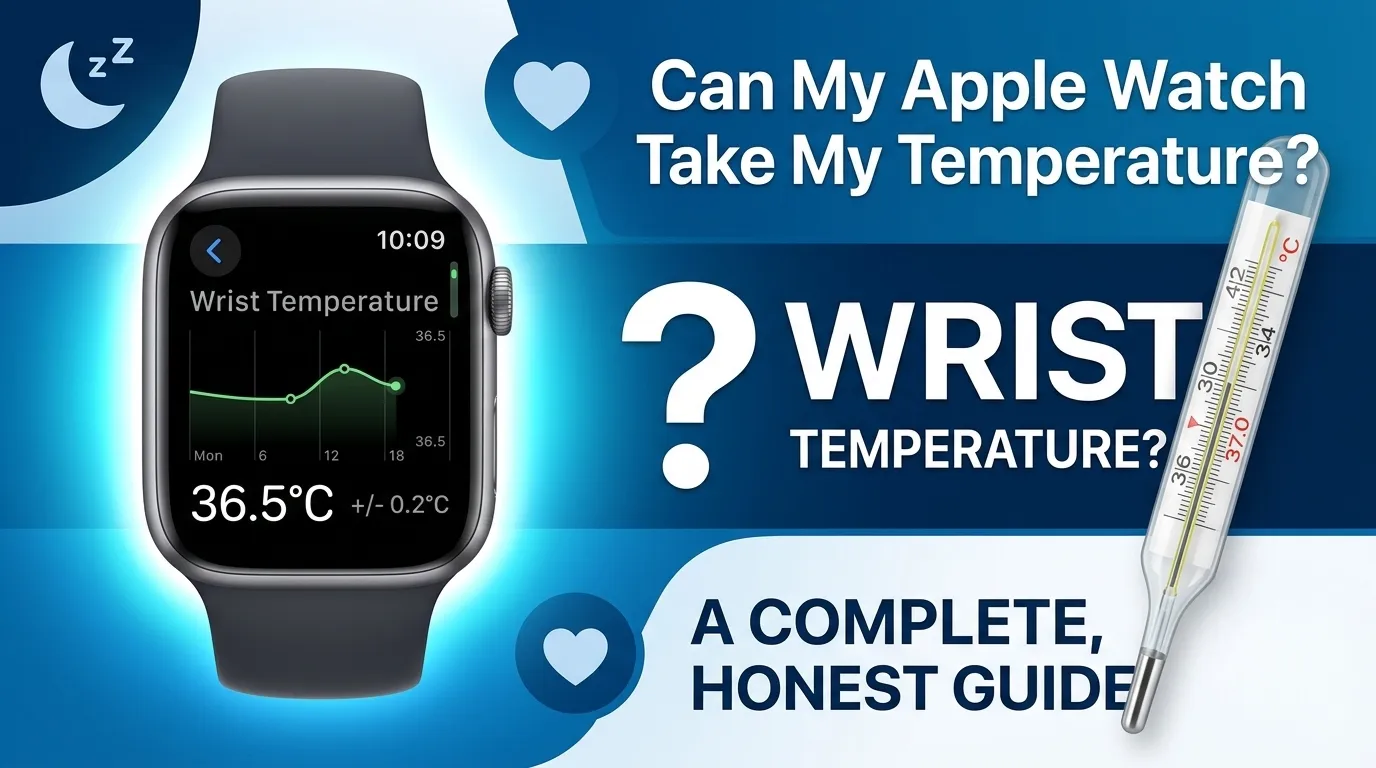
People often ask, “can my Apple Watch take my temperature?” The phrasing depends on the specific model you possess. Apple Watch Series 8 and later models use a two sensor system to track wrist temperature. One sensor sits on the back of the watch, touching your skin. The other is placed just under the display, facing outward.
These two sensors work together to cancel out any heat coming from the watch itself. What remains is a reading that reflects your actual skin temperature. The watch compares these two readings every five seconds during sleep to produce reliable data.
This is called a differential temperature reading. It is clever engineering, but it is still not the same as a clinical thermometer that reads your core body temperature. The Apple Watch only tracks temperature trends overnight , not in real time.
Which Apple Watch Models Support Temperature Sensing?

Not every Apple Watch can track temperature. Here is a clear breakdown:
| Model | Temperature Sensing | Women’s Health | Year |
| Apple Watch Series 8 | ✅ Yes | ✅ Yes | 2022 |
| Apple Watch Series 9 | ✅ Yes | ✅ Yes | 2023 |
| Apple Watch Series 10 | ✅ Yes | ✅ Yes | 2024 |
| Apple Watch Ultra 1 | ✅ Yes | ✅ Yes | 2022 |
| Apple Watch Ultra 2 | ✅ Yes | ✅ Yes | 2023 |
| Series 7 and older | ❌ No | ❌ No | |
| Apple Watch SE (all) | ❌ No | ❌ No |
If you own a Series 7 or any older model, unfortunately you would need to upgrade to Series 8 or newer to access this feature.
Step by Step: Enabling and Viewing Your Temperature Data

Setting up temperature tracking on your Apple Watch is simple. Follow these steps carefully:
Step 1: Navigate to the Health app on your iPhone.
Step 2: Tap Browse, then go to Body Measurements > Wrist Temperature.
Step 3: Enable Sleep Tracking under the Sleep section in the Health app.
Step 4: Wear your Apple Watch to bed every night.
Step 5: After 5 nights, your baseline is established and data will appear in the app.
You must wear the watch to sleep for at least five nights before any data appears. Patience is required.
Check your battery health by battery diagnostic tool given you as:
Why Is My Temperature Data Not Showing? (The 5 Night Baseline Rule)

The 5 Night Baseline Rule: Your Apple Watch needs a minimum of five nights of sleep data before it can calculate your personal temperature baseline. Without this baseline, it has nothing to compare against , so no data is displayed at all.
The Sleep Focus Requirement: Your iPhone must be in Sleep Focus mode during the night. If Sleep Focus is not active, the Apple Watch will not record temperature data even if you wear it every night. Go to Settings > Focus > Sleep and make sure it is enabled.
Wear the watch consistently, keep it charged above 30% before bed, and make sure Sleep Focus is on. Missing even one night can delay your baseline from being established.
Quick Fix Troubleshooting Checklist

If your temperature data is missing or looks wrong, work through this checklist before assuming the feature is broken.
- Compatible model confirmed : Series 8, 9, 10, Ultra 1, or Ultra 2 only
- watchOS is up to date : Go to the Watch app > General > Software Update
- Sleep Focus is enabled on iPhone : Settings > Focus > Sleep > turn on
- Sleep tracking is on in Health app : Browse > Sleep > Sleep Schedule
- Watch worn for 5+ consecutive nights : no baseline forms without this
- Watch band is snug, not loose: both sensors must contact skin
- Wrist temperature is toggled on : Health app > Browse > Body Measurements > Wrist Temperature
- No disrupted nights : travel, illness, or irregular sleep can delay the baseline
- Checked the correct date range in Health :data appears under the Sleep tab, not the summary view
Busting the Myths: Can My Apple Watch Detect a Fever?

The answer is clear: no , your Apple Watch cannot detect a fever. A clinical fever is when your core body temperature rises above 38°C (100.4°F). This is measured internally , through your mouth, ear, or forehead using a proper thermometer. Your Apple Watch only measures wrist skin temperature, which is always lower and more variable than your core temperature.
Your wrist temperature changes based on room temperature, blood flow, exercise, and how tightly the watch fits. A shift in wrist temperature does not equal a fever. If you are feeling sick, please use a proper clinical thermometer.
Explore more on How to Change Apple Watch to Military Time? (2026 Updated)
Medical Disclaimer: The Apple Watch temperature feature is not a medical device. It is not approved for clinical diagnosis. Never use wrist temperature data to make medical decisions. If you feel unwell, contact a licensed doctor or healthcare professional.
Factors That Ruin Your Temperature Accuracy

Even users who have set everything up correctly sometimes see inaccurate or missing readings:
Loose Watch Band: The sensors need firm skin contact. A loose band means the back sensors are not touching your skin properly, giving unreliable readings.
Sleeping Position: If you sleep with your wrist tucked under your pillow or pressed against your mattress, heat can build up and skew the reading significantly.
Alcohol Consumption: Alcohol causes blood vessels near the skin to dilate, raising skin temperature , causing false spikes unrelated to illness.
Medications: Certain medications that affect blood circulation or cause sweating can also alter your wrist temperature readings.
Cold Environments: A very cold bedroom can lower your skin temperature artificially, making the data less consistent and harder to interpret.
Apple Watch for Women’s Health: Retrospective Cycle Tracking

One of the most powerful uses of Apple Watch temperature sensing is for women’s health. The nightly wrist temperature data supports a feature called Retrospective Ovulation Estimates inside the Health app.
Your basal body temperature naturally rises slightly after ovulation. The Apple Watch tracks these small nightly shifts and uses them to look back and estimate when ovulation may have occurred. This information appears in the Cycle Tracking section of the Health app on your iPhone.
This feature helps women better understand their menstrual cycle patterns and improves period predictions over time. It is not a form of birth control and should not replace medical fertility monitoring.
Expert Tips: When to Stop Relying on the Watch and See a Doctor

Your Apple Watch is a great wellness companion, but it has clear limits. See a healthcare professional when:
• You feel genuinely unwell : tired, feverish, or experiencing unusual symptoms.
• You notice temperature readings significantly higher or lower than your personal baseline for several nights in a row.
• You are using the data to make decisions about medication or medical treatment.
• You are pregnant or trying to conceive and need medically accurate fertility data.
Use the watch as a wellness tracker, and rely on a certified clinical thermometer whenever your health is truly at stake.
Frequently Asked Questions

Can I take my temperature on demand with my Apple Watch?
No. The Apple Watch does not have a real time temperature reading feature. It only measures wrist skin temperature during sleep and requires a 5 night baseline before any data appears in the Health app.
Is my Apple Watch health data private?
Yes. All health data collected by your Apple Watch is stored securely in the Apple Health app on your iPhone. Apple encrypts this data and does not share it with third parties without your explicit permission.
Does temperature sensing work with older Apple Watch models?
No. Temperature sensing is only available on Apple Watch Series 8, Series 9, Series 10, Ultra 1, and Ultra 2. Older models including Series 7 and all SE versions do not have this hardware.
Can my Apple Watch take my temperature if I do not use Sleep Focus?
No. Sleep Focus must be enabled on your iPhone for the Apple Watch to collect temperature data overnight. This is the most commonly missed setup step and the most common reason data does not appear.
Will Apple add real time temperature reading in future models?
Apple has not officially confirmed this, but many users hope future Apple Watch versions will include on demand temperature sensing. For now, the feature is limited to overnight sleep tracking only.
Final Thoughts
Whether your Apple Watch can measure your temperature depends on the specific model you have; the answer is not a simple yes or no. Yes , it tracks your wrist skin temperature every night while you sleep and builds a personal baseline over time. No , it cannot measure your core body temperature, detect fever, or replace a clinical thermometer in any meaningful medical sense.
If you own a compatible model and wear it consistently to bed, the Apple Watch temperature feature offers genuinely useful health insights , especially for understanding your sleep patterns and menstrual cycle. Use it for what it was designed for, and always turn to a real thermometer when your health is truly at stake.