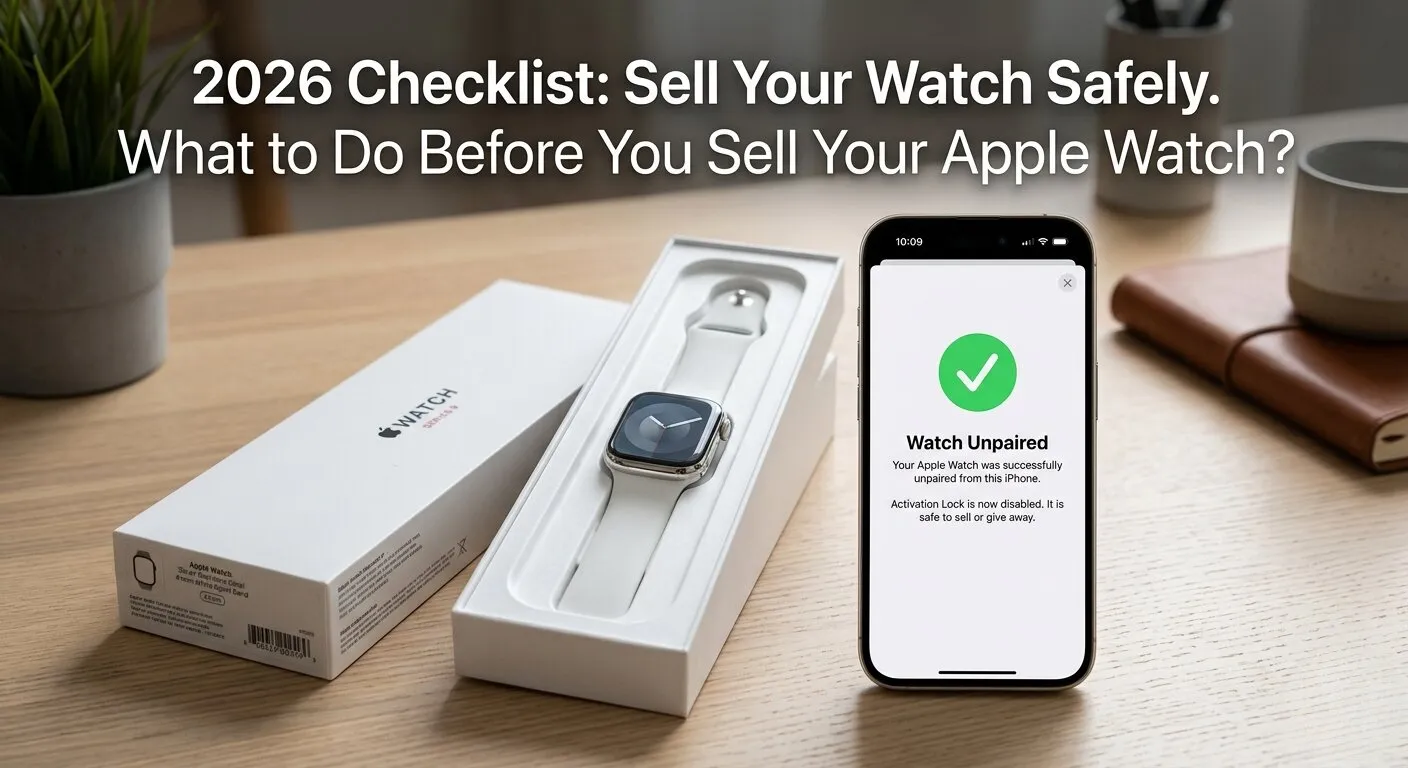
Editor Note: This guide has been thoroughly audited for search relevancy and technical accuracy to match the latest watchOS ecosystem protocols. We highly recommend completing every diagnostic step outlined in this manual to preserve your data privacy before selling your device. For further assistance with persistent hardware errors or sensor calibration issues, please consult our official tech support documentation.
Here is the fastest way to know “What to Do Before You Sell Your Apple Watch“?
Quick Answer
Before selling your Apple Watch: back up your iPhone with encryption enabled, unpair the watch from your iPhone (this auto erases it and removes Activation Lock), remove Apple Pay cards, manage your eSIM/cellular plan, and clean the watch physically. These 5 steps protect your data and ensure the buyer can use the watch immediately.
Why a Proper Reset is Non Negotiable (Privacy First)

Selling your Apple Watch without a proper reset is like handing a stranger the keys to your house. Your watch stores health data, payment cards, location history, and is tied to your Apple ID.
There are two types of locks on your Apple Watch. A Software Lock is your passcode , easy to remove. But the real danger is the Hardware Lock, also called Activation Lock. This is tied to your Apple ID at a hardware level, and if it stays active, the new owner cannot use the watch. It becomes a paperweight.
The good news? If you follow the steps in this guide in the right order, everything gets handled automatically. Let’s make sure you do it right the first time.
| Free Tool: Apple Watch Battery Diagnostic Before you sell, check your watch’s battery health! Use our free Apple Watch Battery Diagnostic Tool below to get an instant health score. A healthy battery (80%+) can boost your resale value by $20–$50. Click the button to run a quick check ,it takes less than 30 seconds. |
The Pre Sale Checklist: Don’t Skip These Steps
Here is a quick overview of all 5 steps before we dive into each one:
| Step | Action | Why It Matters |
| 1 | Enable Encrypted iPhone Backup | Saves Health & Fitness data |
| 2 | Unpair Watch from iPhone | Removes Activation Lock automatically |
| 3 | Remove Apple Pay / Wallet Cards | Prevents financial fraud |
| 4 | Manage eSIM / Cancel Carrier Plan | Stops recurring charges |
| 5 | Clean the Watch Physically | Improves resale grade & value |
Step 1: Encrypted Backup (Securing Your Health Data)

This is the most overlooked step. Apple Watch health data , your heart rate history, sleep patterns, ECG readings, and fitness records , does NOT sync to iCloud automatically by default. It only backs up inside an Encrypted iPhone Backup.
To create one: Open iPhone Settings → tap your name → iCloud → scroll to iCloud Backup. Make sure ‘Encrypt iPhone Backup’ is turned on. Now run a manual backup. After it finishes, your health data is safe and will transfer to your new device.
Pro Tip: Go to Health app → Browse → All Health Data to see what data you currently have. This confirms your backup worked.
Step 2: Unpairing vs. Erasing ( The Activation Lock Secret)

Many sellers make a fatal mistake: they erase the watch directly from the watch itself. This does NOT remove Activation Lock. The buyer will turn it on and get stuck at a screen asking for your Apple ID. They will have to contact you , or the watch is useless.
The correct way is to Unpair the watch from your iPhone. Open the Watch app on your iPhone → tap your watch at the top → tap the (i) info button → tap ‘Unpair Apple Watch’. Confirm with your Apple ID password. This single step erases the watch AND removes Activation Lock in one go.
Warning: Never skip this step. If the buyer gets an Activation Lock screen, they will want a refund and will likely leave a bad review.
Step 3: Removing Apple Wallet and Transit Cards

Your Apple Watch may have credit cards, debit cards, and transit cards stored in Apple Wallet. These are linked to your real bank accounts. If unpairing through the Watch app, all cards are removed automatically as part of the process.
But if for any reason you want to remove them manually first: Open the Watch app → Wallet & Apple Pay → tap each card → Remove Card. Also check for transit cards under the Express Transit Card section, as these are sometimes missed.
Pro Tip: Transit cards (like Suica in Japan or Octopus in Hong Kong) have actual stored money value on them. Remove these first and transfer the balance before erasing.
The Cellular Trap: Managing Your eSIM and Carrier Plan
If you have an Apple Watch with cellular (LTE), listen carefully. Erasing your watch , even unpairing it , does NOT cancel your monthly carrier subscription. Your carrier has no idea you sold the watch. They will keep billing you every month.
There are two things you must do. First, remove the cellular plan from the watch itself: Open Watch app → Cellular → tap your carrier → Remove [Carrier Name] Plan. This removes the eSIM profile. Second, and this is the step everyone skips, call your carrier directly and cancel the Apple Watch line. Say: ‘I want to cancel the Apple Watch cellular plan linked to my account.’
Carriers like AT&T, Verizon, T-Mobile, and others will not cancel automatically. One user reported being charged for 4 months after selling their watch because they only erased the watch but never called their carrier.
Warning: You could end up paying for a watch you no longer own. Call your carrier ,it takes 5 minutes.
Maximizing Resale Value: Physical Preparation

Cleaning the Digital Crown and Sensors
A clean watch can be worth $20 to $50 more on trade in platforms like BankMyCell or Apple Trade In. Sweat and salt from your wrist builds up over time, causing white residue on the Digital Crown and pitting (tiny corrosion marks) on aluminum models.
Here is how to clean it properly: Dampen a lint free cloth or cotton ball with 70% isopropyl alcohol (rubbing alcohol). Gently wipe the case, Digital Crown, and back sensors. For the Digital Crown, rotate it slowly while wiping. Do not spray liquid directly on the watch. Let it air dry for 2 minutes before packaging.
Pro Tip: This cleaning step can move your trade in grade from ‘Good’ to ‘Excellent’ , a real money difference.
The ‘Original Box’ Advantage
If you still have the original Apple Watch box, charging cable, and any extra bands, include them. Buyers on eBay and Facebook Marketplace pay 10 to 20% more for complete in box items. It also builds trust , a seller who kept the box is usually someone who took good care of the watch.
Take clear photos in natural lighting before listing. Show the back sensors, the Digital Crown, and both sides of the band. Transparency in photos means fewer questions and faster sales.
Remote Rescue: What to Do if You Already Gave the Watch Away

Did you already ship the watch and forget to unpair it? Don’t panic. You can still remove Activation Lock remotely using iCloud. Here is what to do:
- Go to icloud.com on any browser and sign in with your Apple ID.
- Click ‘Find My’ (the green radar icon).
- Click ‘All Devices’ at the top and select your Apple Watch.
- Click ‘Erase Apple Watch’ , confirm when asked.
- Once erased, click ‘Remove from Account.’ This removes Activation Lock.
Step before What to Do Before You Sell Your Apple Watch?
Contact the buyer immediately and let them know it is done. They can now set up the watch with their own Apple ID. This process usually takes a few minutes to push the erase command over the internet.
Buyer’s Perspective: How to Verify a Used Apple Watch Before Buying

If you are buying a used Apple Watch, Activation Lock is your biggest risk. A locked watch is worthless to you unless the seller cooperates. To ensure you aren’t buying a locked device, perform these essential verification steps before final payment.
- Ask the seller to power on the watch and show you the screen. If it shows the Watch face or language setup , it is clean. If it shows ‘Activation Lock’ with an Apple ID field ,walk away.
- Go to checkcoverage.apple.com and enter the serial number (found in Settings → General → About on the watch). This confirms the model and warranty status.
- Check for physical damage on the back sensors and Digital Crown. Scratches here mean heavy use.
- Ask if the eSIM plan has been cancelled from the carrier. If not, you may inherit billing issues.
Essential watchOS Updates & Security Frameworks
Device Pairing & Force Restart Nuances

Before initiating the unpairing sequence, ensure both devices are updated to the latest watchOS version to prevent communication errors during the encrypted backup phase. If the unpairing process hangs or fails to disconnect cleanly, a force restart on the watch is required to clear the corrupted active sensor state before re attempting the sync.
Digital Wallet & Transit Card Deactivation

While standard payment cards automatically detach during unpairing, active commuter transit cards must be manually removed from your Apple Wallet beforehand to preserve their remaining financial balance. Transferring these transit cards back to your Apple ID digital pass pool guarantees you can re deploy the exact stored funds onto your next wearable device.
Securing Advanced Health Metrics & Sensors

Modern Apple Watches house intricate ECG and biometric hardware sensors that cache highly sensitive historical health metrics directly on the local storage chip. To guarantee this deeply personal biometric data is completely scrubbed and unrecoverable by the next owner, you must strictly perform the unpairing process via the iPhone Watch app.
Remote Lockout & Device Recovery Protocols

If you mistakenly ship your device before unpairing, navigating to the Find My application via a web browser allows you to trigger a network enforced factory reset command. After confirming the remote erase is complete, clicking ‘Remove from Account’ strips the hardware level lock entirely, which transforms the watch into an accessible setup environment for the buyer.
Conclusion: Ready for the Upgrade
Selling your Apple Watch safely is not complicated , but the order of steps matters. Always back up first, then unpair through the Watch app, manage your cellular plan with your carrier, and clean the watch before listing. These steps protect your privacy, protect the buyer’s experience, and maximize your resale value.
Whether you are upgrading to the latest Apple Watch Ultra or switching to a different brand, a clean and complete handoff makes the whole process smooth for everyone. Take 20 minutes to do it right , your future self (and your bank account) will thank you.
FAQs (People Also Ask)
Q: Does unpairing Apple Watch delete everything? Yes. Unpairing through the Watch app on your iPhone automatically erases all content, removes Apple Pay cards, and disables Activation Lock. It is the safest way to prepare your watch for sale.
Q: Will erasing my Apple Watch cancel my cellular plan? No. Erasing the watch only removes the eSIM profile from the watch itself. You must separately call your carrier to cancel the monthly Apple Watch cellular subscription or you will keep getting charged.
Q: How do I know if my health data was backed up? Create an Encrypted iPhone Backup in Settings → iCloud → iCloud Backup, with the ‘Encrypt Backup’ toggle turned on. Only encrypted backups include Health and Fitness data from Apple Watch.
Q: What if I forgot to unpair before selling? Sign in to icloud.com, go to Find My, select your watch, click ‘Erase,’ and then ‘Remove from Account.’ This remotely clears Activation Lock and lets the buyer set up the watch with their Apple ID.
Q: Does the original box increase resale value? Yes , significantly. Buyers typically pay 10 to 20% more for complete in box Apple Watch listings. Include the original charger and any extra bands for the highest possible price.
© 2026 ,Article prepared for SEO content audit. Target keyword: “What to Do Before You Sell Your Apple Watch“
Author Note: Steven is the lead wearable tech analyst for iboltwatch.com, specializing in device lifecycle optimization. With years of practical hardware troubleshooting experience, he delivers actionable insights that protect user data. His step by step technical guides empower everyday users to master their wearable technology seamlessly.