- For US Audience ,Easy, Understandable and Expert Guide .
Quick answer: When Apple Watch Siri activates by itself, a setting is usually the cause. Raise to Speak, the voice trigger, and a long press on the Digital Crown are the main suspects. Open Settings, tap Siri, and turn off the one you do not need. If Siri still pops up, restart the watch, update watchOS, and check the buttons for dirt.
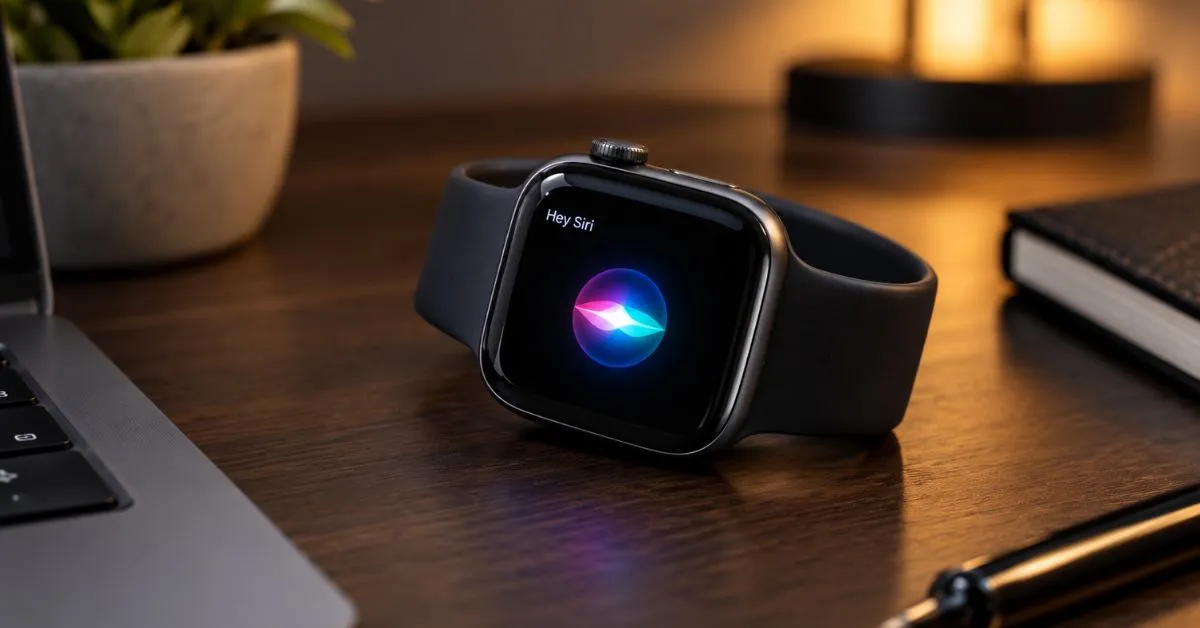
The Siri screen shows up on your wrist and you did not say a word. It can happen during a meeting or in the middle of the night. If Apple Watch Siri activates by itself, the cause is usually easy to find.
This guide explains why Apple Watch Siri activates by itself and gives simple fixes, starting with the safest. Each step takes about a minute. Setting names can differ a little between watchOS versions, so look for the closest match on your watch.
Why Apple Watch Siri activates by itself

Start with a quick battery check. A watch that wakes up on its own while also draining fast or restarting may have a hardware problem, and a setting change will not fix that. Use the Apple Watch battery diagnostic tool on this page and press the button to run it.
Siri can start in a few ways, and each one can fire by mistake. Here is what to look for:
- Raise to Speak: you lift your wrist near your mouth and talk. Everyday arm movement and nearby chatter can look like that to the watch.
- Voice trigger: the watch hears something that sounds like “Hey Siri” from a TV, a video, or a person close by.
- Digital Crown: a long press opens Siri. A tight sleeve, a bag strap, or a loose band can press it for you.
- Side button: on versions that offer this option, a long press can do the same.
- Dirty or wet buttons: sweat, soap, or dust may confuse the crown or the button.
Watch what you were doing the last time Siri popped up. That clue often points to the right fix and saves you from changing settings you do not need to touch.
Easy fixes when Apple Watch Siri activates by itself
Fix 1: Turn off Raise to Speak

Open Settings on the watch, tap Siri, and switch off Raise to Speak. Wrist movement happens all day, so this is a good first step when Apple Watch Siri activates by itself. Use the watch normally for a few hours. If Siri stays quiet, you found the cause.
You can also do this from your iPhone. Open the Watch app, tap My Watch, then tap Siri.
Fix 2: Check the voice trigger
In the same Siri menu, find the option that listens for “Siri” or “Hey Siri” and turn it off for a test. Voices from TVs and videos are common false alarms, and this switch stops them. You can still start Siri by holding the Digital Crown if that option is on.
Fix 3: Review the Digital Crown and side button options
The Siri menu also has options for pressing the Digital Crown and, on some versions, the side button. If the crown keeps rubbing against sleeves or bags, turn this option off for now. Not sure what the crown does? Read our guide on what the Digital Crown does on Apple Watch.
Fix 4: Clean the buttons and check the band

Turn off the watch and wipe it with a soft, lint free cloth. Do not use harsh cleaners, and do not push anything into the gaps around the crown. Also check that the band does not press the crown or side button when you bend your wrist.
Fix 5: Restart the watch
Hold the side button until the sliders appear, tap the power icon, and drag the slider. Wait a few seconds, then hold the side button until the Apple logo shows. A restart clears small software glitches that can make a button or sensor act strangely.
Reserve a force restart for emergencies when the display locks up entirely and won’t respond to touches. Hold the side button and the Digital Crown together for at least 10 seconds.
Fix 6: Update watchOS
On your iPhone, open the Watch app, tap My Watch, tap General, then tap Software Update. Keep the watch on its charger and near the iPhone until the update ends. Updates fix bugs, so this helps most when Apple Watch Siri activates by itself after a recent change.
Fix 7: Reset the watch as a last step
If nothing worked, go to Settings, General, Reset, and choose Erase All Content and Settings. This wipes the watch, so use it last. Forgot your passcode? Follow our steps to reset an Apple Watch Series 3 without a passcode.
After the reset, test Siri before you add everything back. If it behaves, turn your usual settings on one at a time.
When Apple Watch Siri activates by itself at night
Moving your arm in bed can look like a wrist raise, so Raise to Speak is a likely cause. Turn it off first. If a TV or radio is talking near you, the voice trigger may also fire.
Sleep Focus controls notifications, so it is a separate setting from Siri. If you also miss alerts at night, read why Apple Watch misses notifications during Sleep Focus.
Common mistakes to avoid
- Resetting the watch before trying the settings.
- Turning off every Siri option when only one trigger causes the trouble.
- Using strong cleaners on the case, which can harm the watch.
- Changing many settings at once, so you never learn why Apple Watch Siri activates by itself.
- Ignoring a sticky or gritty crown.
When to ask for repair help

If Apple Watch Siri activates by itself even after all seven fixes, the hardware may be at fault. Warning signs are a crown that sticks or grinds, a bulging screen or case, unusual heat and frequent restarting. If the case looks swollen, stop wearing the watch.
Do not open the watch yourself. Contact Apple Support or an authorized repairer. Tell them what you saw, by sharing the result of your battery check.
Frequently Asked Questions
Is it normal if Apple Watch Siri activates by itself once in a while?
A rare false trigger can happen, for example when a TV says something close to the wake phrase. If it happens many times a day, a setting or a button needs attention. Follow the fixes above.
Can I turn off Siri completely on Apple Watch?
Yes. Go to Settings, then Siri, and switch off the options you see. The names can vary by watchOS version. You can turn them back on any time.
Can a bad battery make Siri pop up?
A weak battery alone is not a common reason. Button presses and settings are more likely. A failing battery tends to show other signs, such as fast drain or sudden shutdowns, and the battery check on this page can help you spot them.
Will turning off Raise to Speak break other features?
No. It only removes one way to start Siri. Your other watch features keep working, and you can turn it back on later.
Why does Siri still pop up after I changed one setting?
More than one trigger can be on at once. Turn them off one at a time and test for a day each, so you can see which one was the cause.
What to do next
Start with Raise to Speak, then check the voice trigger and the crown options. Restart and update before you think about a reset. Most of the time, Apple Watch Siri activates by itself because of one switch you can change in a minute.
If the problem stays, run the battery check and contact Apple.