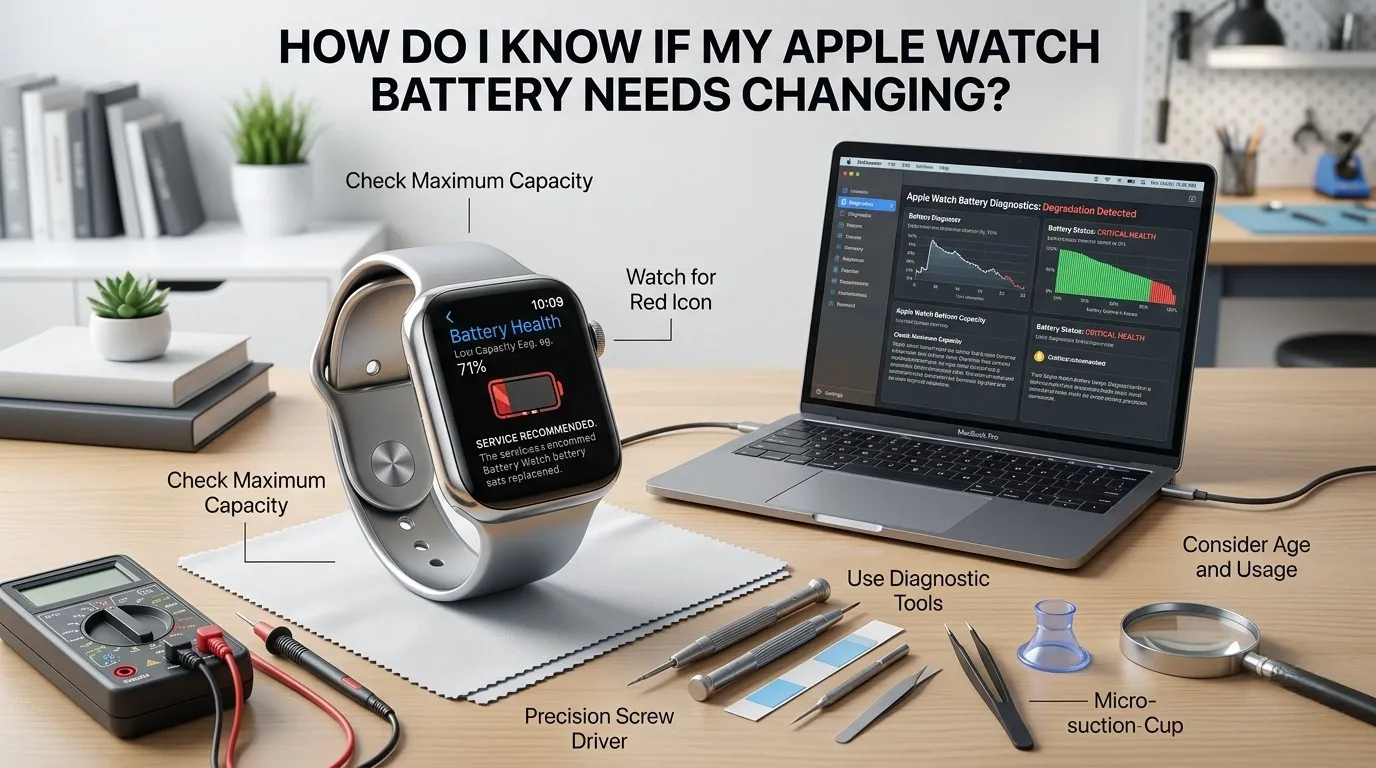
Here is quick answer for How “Do I Know If My Apple Watch Battery Needs Changing”?
| Quick Answer: Your Apple Watch battery likely needs changing if: it dies before the day ends, shuts down randomly above 20%, has a screen that looks lifted or puffy, or its Battery Health reads below 80% in Settings → Battery → Battery Health. These are the four core warning signs. |
Your Apple Watch is built to last. But like all rechargeable devices, its battery slowly wears out over time. The good news? Your watch actually gives you clear signals when it’s time for a change. You just need to know what to look for.
This guide covers every warning sign, every diagnostic step, and every repair option , explained in plain, simple English.
The ‘Immediate Action’ Checklist: 4 Signs You Can’t Ignore

These are the four biggest red flags. If you’re experiencing even one of them, read carefully.
1. Sudden Shutdowns at 20 to 30%

Your watch turns off even though it still shows battery remaining. This is one of the clearest signs of battery failure. A healthy battery does not shut down at 25% , it slowly drains to 0%. This happens because the battery can no longer deliver a steady flow of power.
2. Visible Screen Lifting (The ‘Pillow’ Effect)

Look at the edge of your watch face. If the screen appears to be slightly raised, bubbled, or separating from the case , stop using it immediately. This is called battery swelling (or ‘pillow effect’). A swollen battery is a safety hazard. Do not charge it. Take it to an Apple Store or certified repair shop right away.
3. Overheating During Standard Charging

Your watch should get slightly warm while charging , but it should never feel hot. Unusual heat during a normal charge cycle means the battery is struggling and degrading. This can also damage the charging components over time.
Concerned about charging habits? Learn when to charge your Apple Watch if you sleep with it, the timing matters more than most people think.
4. Laggy Interface on watchOS

A slow, unresponsive screen is sometimes a battery problem, not a software bug. When a battery ages, it can no longer supply the power bursts needed for smooth performance. Apps take longer to open, the screen stutters, and taps feel delayed.
Note: If your watch is also not responding to touch, check out this guide on unresponsive Apple Watch screens to rule out other causes.
| Try Our Free Apple Watch Battery Diagnostic Tool Not sure if your symptoms add up to a battery problem? We built a quick interactive tool to help you find out in under 60 seconds. |
Deep Dive: How to Check Your Actual Battery Health (Step by Step)

You don’t have to guess. Your Apple Watch has built in tools to show you exactly how healthy your battery is. Here are three methods , from easiest to most advanced.
Method 1: The Settings App (Standard Method)
- Open the Settings app on your Apple Watch (the gear icon).
- Scroll down and tap Battery.
- Tap Battery Health.
- You’ll see a percentage , this is your Maximum Capacity.
| What the number means: • 100 to 85%: Great , no action needed • 84 to 80%: Aging , keep monitoring • Below 80%: Apple recommends battery service |
You may also see a ‘Service Recommended’ message directly on this screen. That’s Apple telling you directly: it’s time.
Method 2: Analytics Data (The ‘Pro’ Method for Cycle Counts)
Most articles miss this one. You can check your battery’s actual charge cycle data through your iPhone , no app required.
- On your iPhone, go to Settings → Privacy & Security → Analytics & Improvements.
- Tap Analytics Data.
- Scroll and tap on any log file that starts with ‘log aggregated’.
- Search for ‘BatteryCycleCount’ using the search bar (if available) or scroll carefully.
Apple Watch batteries are rated for around 1,000 charge cycles before performance noticeably degrades. If your cycle count is approaching or exceeding that number, a replacement is smart planning, not just a reaction.
Method 3: Third Party Diagnostic Apps (Pros & Cons)
Apps like ‘Battery Life’ or ‘iMazing’ on iPhone can pull additional battery metrics from your Apple Watch. They’re easy to use and often show cycle count more clearly.
| Caution: Some third-party apps ask for unnecessary permissions. Only use apps with strong ratings in the App Store. Apple’s built-in method is always the safest choice. |
The 80% Rule vs. The ‘Real World’ Experience

Here’s something most guides won’t tell you: a watch reading 81% battery health can still feel completely dead by 2 PM.
Why? Because the percentage measures overall capacity , not how the battery performs under real-world load. Features like Always On Display, GPS tracking, heart rate monitoring, and notifications all draw rapid power bursts. An aging battery , even one above 80% , can struggle to keep up with these demands.
So don’t rely solely on the number. Trust your lived experience. If you’re charging twice a day on a watch that used to last all day, that’s your real answer.
Want to understand how long your watch should realistically last? This article on how long an Apple Watch lasts gives a full model by model breakdown.
Apple Official vs. Local Repair vs. DIY (Cost & Risk Analysis)

Once you’ve confirmed it’s time for a battery swap, you have three options. Here’s a clear breakdown to help you decide:
| Criteria | Apple Official | Local Repair | DIY Repair |
| Cost (2026) | $79 to $99 | $40 to $70 | $20 to $35 |
| Warranty | 90 Day Service | Varies (0 to 30 days) | None |
| Waterproofing Kept? | ✅ Yes | ⚠️ Partially | ❌ Risk High |
| Difficulty Level | Easy (Drop off) | Easy | Very Hard |
Our Recommendation: For most people, Apple Official service is the best balance of safety, warranty, and maintained water resistance. Local shops are good if cost is a concern. DIY is only for experienced technicians , the risk of damaging the screen or losing water resistance is very real.
Apple Watch is rated waterproof on some models, but that seal depends on professional re assembly. A DIY battery swap often breaks it.
Thinking about your Apple Watch’s value before spending on a repair? Check whether Apple Watches have trade in value , sometimes upgrading makes more financial sense.
Hidden Culprits: Is It the Battery or watchOS?

Before you book a repair, rule out a software drain first. watchOS features , if left unchecked , can kill a healthy battery just as fast as a dying one.
Background App Refresh Audit
Open the Watch app on your iPhone → General → Background App Refresh. Turn off this feature for any apps you don’t need live updates from. Social media, news, and weather apps are the biggest culprits.
The ‘Live Activities’ Drain
Live Activities , like live sports scores or food delivery tracking , run constantly and drain battery fast. If your battery health is fine but your watch is dying early, Live Activities are often the reason. Check active ones in the Watch app and clear what you don’t need.
Future Proofing: How to Delay Your Next Battery Swap

Good habits can keep your battery healthy for years longer. Follow these three simple rules:
1. Optimal Charging Temperatures
Never leave your watch charging in direct sunlight or a hot car. Heat is the number one enemy of lithium-ion batteries. Charge in a cool, shaded spot for best results.
Is your watch not charging at all? See why your Apple Watch is not charging and a full fix guide here.
2. Use the 20 to 80% Charging Rule
Try not to drain your battery to 0% or charge it to 100% every single time. Keeping your charge between 20% and 80% significantly reduces chemical stress on the battery. Your watch will hold its capacity much longer with this habit.
Not sure if you need a cellular model for your usage? See do I need a cellular Apple Watch , cellular models tend to drain faster and may need battery care sooner.
3. Keep watchOS Updated
Apple frequently releases battery optimizations in software updates. Staying on the latest watchOS version means your watch is running the most efficient code available.
Frequently Asked Questions
Can I use my watch while the battery is swollen?
| Safety Warning: No. A swollen battery is a physical hazard. It can rupture, leak, or in rare cases cause a fire. Stop using the watch, do not charge it, and take it to an Apple Store or certified technician immediately. |
How much does Apple charge for a battery replacement in 2026?
Apple’s standard battery replacement for most Apple Watch models costs $79 to $99 USD as of 2026, depending on your model. If your watch is under AppleCare+ coverage and meets Apple’s capacity threshold, the service may be included at no extra cost.
If you’re preparing to hand off your watch ,whether for repair or resale ,don’t miss what to do before you sell your Apple Watch to protect your data.
How long does a battery replacement take?
At an Apple Store, a battery replacement typically takes 1 to 3 hours or may require same day service. If you mail it in, expect 3 to 5 business days. Local repair shops are usually faster , sometimes 30 to 60 minutes.
Does replacing the battery reset my watch?
Apple will often send you a replacement device (not return your exact watch) when servicing a battery. This means you will need to set up your watch again from scratch. Make sure your watch is unpaired from your iPhone first to create a backup.
Learn how to safely unpair your Apple Watch from your old phone before any service appointment.
Is it worth replacing the battery on an older Apple Watch?
Yes , if your watch still runs the latest watchOS and meets your needs, a battery replacement is far cheaper than buying a new watch. Check that your model supports the current watchOS version before committing to the repair cost.
For example, check what Apple Watch is compatible with iPhone 14 if you want to make sure your watch setup stays future-compatible.
| ✅ Bottom Line If your Apple Watch is dying early, shutting down randomly, running hot, or showing a screen lift , it’s time. Check Settings → Battery → Battery Health first. If it reads below 80% or you see ‘Service Recommended’, book a replacement. Apple’s $79 to $99 service keeps your watch sealed and warranted. It’s a small cost to restore a device you rely on every day. |
Still exploring Apple Watch features? See our guide on how to change your Apple Watch face, or learn about what good calorie goals look like on Apple Watch.
Know More About Your Apple Watch
We’ve written detailed guides on all things Apple Watch. Explore the topics below to get the most out of your device:
| # | 📖 Topic | What You’ll Learn | Read Article |
| 1 | What size is my Apple Watch band? | Find your exact band size | → Read More |
| 2 | How to track sleep without Apple Watch | Sleep tracking alternatives | → Read More |
| 3 | Does Bark work with Apple Watch? | Parental control compatibility | → Read More |
| 4 | Will Apple Watch count steps in your pocket? | Step tracking accuracy tips | → Read More |
| 5 | What does size group mean for Apple Watch? | Size group explained simply | → Read More |
| 6 | Is there a sauna setting on Apple Watch? | Heat & workout mode guide | → Read More |
| 7 | Do you have to pay monthly for Apple Watch? | Plans & costs explained | → Read More |
| 8 | Will Apple Watch Ultra bands fit Series 10? | Band compatibility guide | → Read More |
| 9 | What is Apple Watch 7000 Series? | Model & material breakdown | → Read More |
| 10 | How far can your phone be from Apple Watch? | Connectivity range explained | → Read More |
| 11 | How to turn off Amber Alerts on Apple Watch? | Notification settings guide | → Read More |
| 12 | What to do if you lost your Apple Watch? | Find My & recovery steps | → Read More |
| 13 | Can Apple Watch detect falls for elderly? | Fall detection feature guide | → Read More |
| 14 | How to get SiriusXM on Apple Watch Ultra? | Streaming setup walkthrough | → Read More |
| 15 | Apple Watch keyboard vs dictation comparison | Input method pros & cons | → Read More |
| 16 | Will a 41mm case fit a 42mm Apple Watch? | Case sizing compatibility | → Read More |